Battlemaps
Part of the TTRPG add-on
Install @wizzlethorpe/vaults-ttrpg beside the CLI: npm install -g @wizzlethorpe/vaults @wizzlethorpe/vaults-ttrpg.
The battlemap code-block handler renders a layered, multi-level map with a level switcher, a grid-overlay toggle, and a PNG download of the composited view.
Live demo
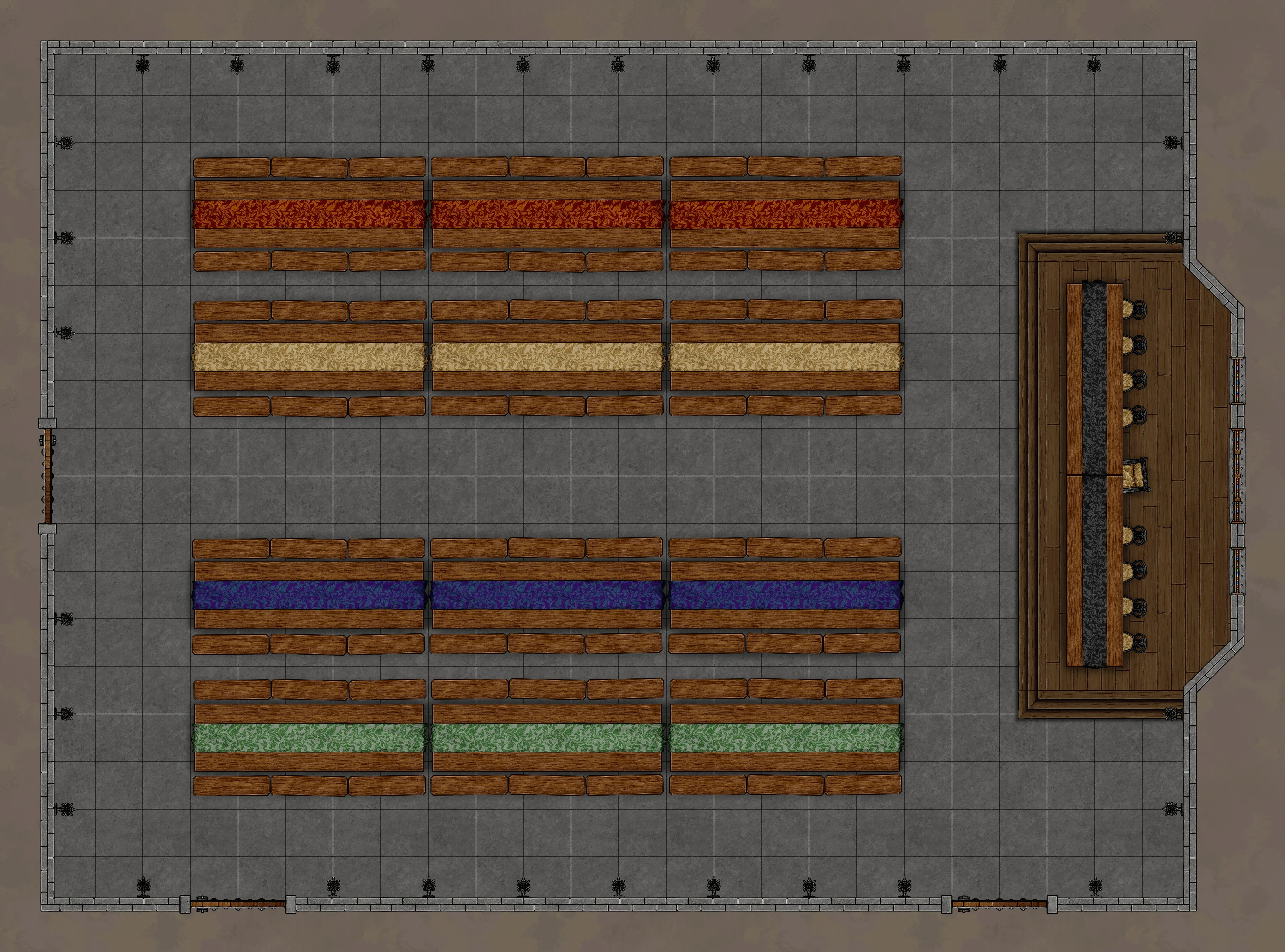
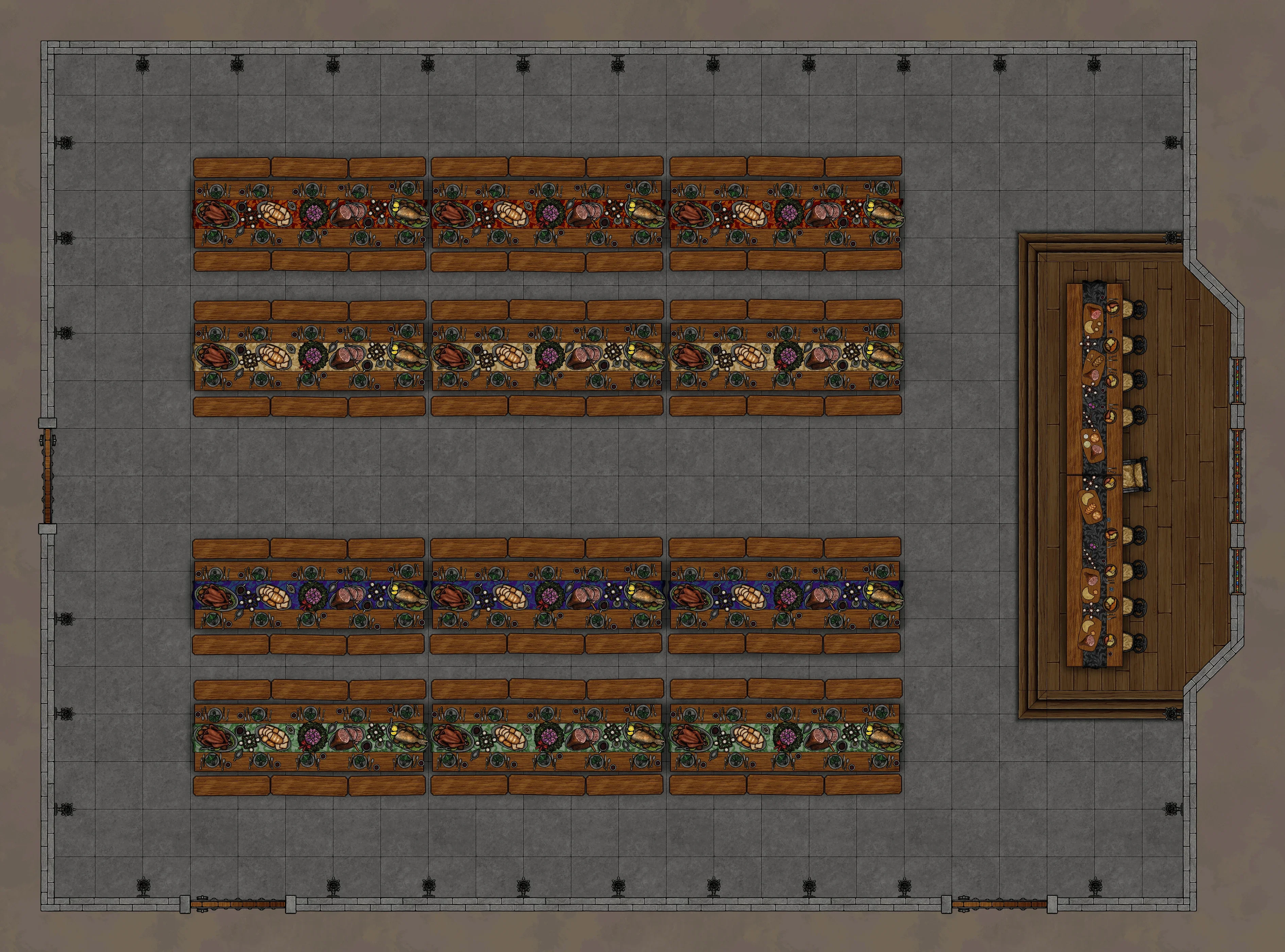
The same room as the Foundry Mossfoot Great Hall scene, on the same 140px grid, with the feast as a second level. Switch levels, toggle the grid, download the composite:
Levels and layers
- Each level is one button in the switcher. A level without a
nameis labelled "Level N". - A level's layers composite bottom to top, so an upper floor typically repeats the layers beneath it and adds its own storey on top.
- Layer paths are vault-relative, not basenames, which keeps identically named exports in different map folders apart.
- The build stages every layer named in a
battlemapblock, so a web-only overlay that nothing else references still ships. Layers follow the same per-variant role gating as any other image.
Fields
| Field | Notes |
|---|---|
levels | Required. A list of { name, layers }. A level with no layers is dropped. |
grid | Pixels per grid cell at the image's native size. Omit for no grid overlay. |
grid_offset_x, grid_offset_y | Shift the overlay right and down, in native-size pixels. Default 0. |
default_level | 0-based index of the level shown first. An out-of-range value falls back to 0. |
name | Prefix for the downloaded PNG's filename, <name> - <level>.png. |
An unparseable block renders an error box instead of failing the build.